
We’ve all experienced that moment: the train ticket is booked, the journey is set, and we realize that one letter of the first name is wrong or that the wrong traveler is listed on the reservation. On SNCF Connect, the procedure to correct or modify the name is not as straightforward as one might hope. There is no dedicated “modify name” button in the app or on the website.
What SNCF Connect offers is a process of exchanging or canceling the ticket, framed by fare conditions that vary depending on the carrier and the type of journey. Understanding this logic helps avoid wasting time, and sometimes money.
Name error on SNCF Connect: what really happens on the system side
When a wrong name is entered at the time of booking, SNCF Connect does not treat it as a simple text field modification. The traveler’s name is linked to the ticket itself, not to the customer account. Changing the profile will not affect an already issued ticket.
In practical terms, you must go through a ticket exchange to change the traveler’s name. You cancel the existing ticket (if the fare conditions allow it), and then purchase a new one in the correct name. This is not a bug in the interface; it’s the logic of the French rail reservation system.
The nuance matters: a typo on a letter (a missing accent, a first name/last name inversion) often goes unnoticed during checks. Responses vary on this point; some conductors are lenient, while others are not. For a completely different name (transferring the ticket to another person), you must go back through the exchange or cancellation process. You can change the name on a train ticket on SNCF Connect by following this exchange process, provided that the fare allows it.

Fare conditions and exchange windows for TGV INOUI and INTERCITÉS tickets
Not all tickets are equal when it comes to exchanges. The conditions depend on the fare chosen at purchase, not on the journey or the station. A flexible fare ticket offers a wide margin for maneuver, while a low-cost ticket may be non-exchangeable or non-refundable.
Here are the most common situations for TGV INOUI and INTERCITÉS:
- Some tickets allow for a free exchange up to a few days before departure. SNCF Connect mentions possible free exchanges up to seven days before departure for certain fares.
- From thirty minutes before departure, exchanges are only possible once, and only for the same day and the same journey. You can no longer change the traveler in this case.
- After the train has departed, no modifications are generally possible, except in exceptional cases handled by customer service.
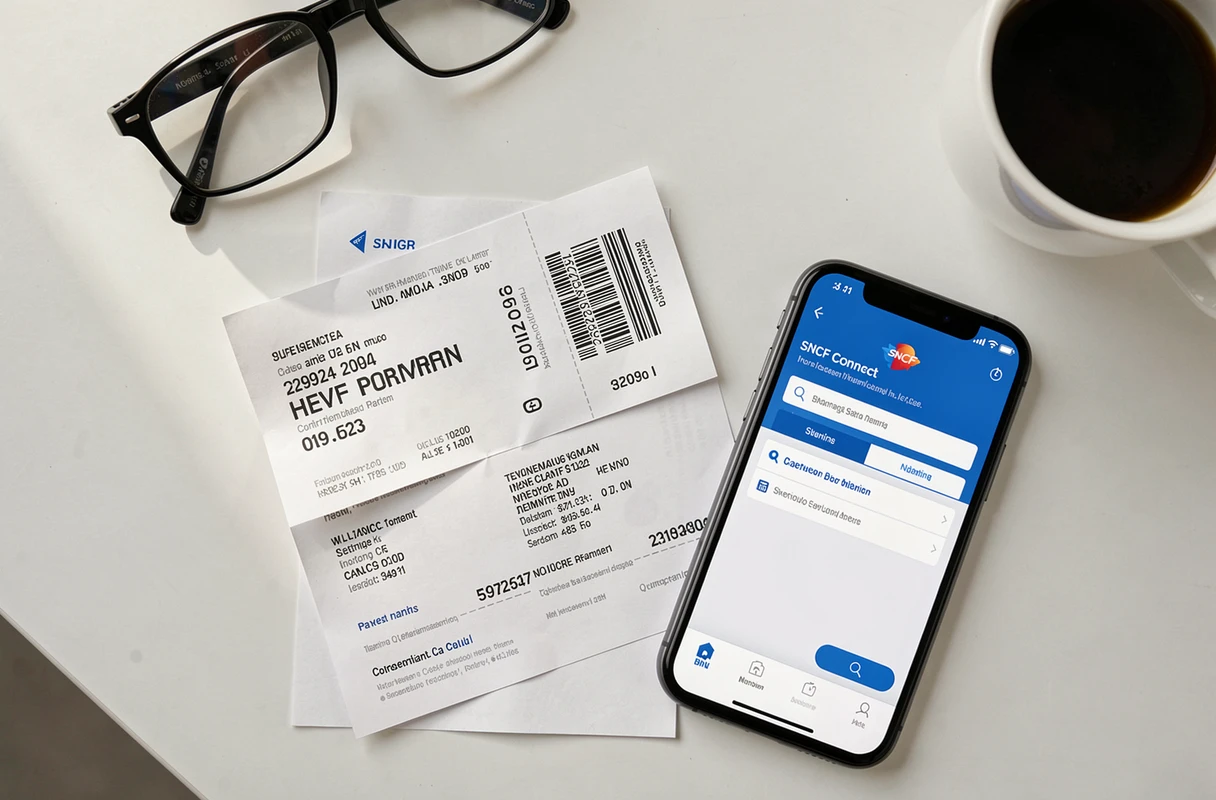
The procedure involves going to the “Tickets” tab of the SNCF Connect app or website. You select the relevant reservation, check if the exchange or cancellation option appears, and follow the proposed process. If nothing is displayed, it means the fare does not allow it.
OUIGO tickets: an exchange is possible but not a name correction
OUIGO operates with its own fare logic. You can exchange an OUIGO ticket via SNCF Connect to change the date, time, or route. This exchange does not constitute a nominative correction in the strict sense.
In practice, if you want the ticket to bear a different name, you must cancel and then repurchase. Any additional cost depends on the initial fare and availability at the time of the new purchase. On low-cost OUIGO tickets, the difference can be significant, especially during peak demand periods.
The trap of adding a companion afterward
A common case: you book for several travelers, then want to replace one of them. SNCF Connect does not manage tickets as interchangeable seats. Each ticket is linked to a specific traveler. Replacing a companion means canceling their individual ticket and getting another one, with the risk that the fare may have changed in the meantime.
Concrete procedure in the SNCF Connect app to exchange a ticket
Instead of wandering around the menus, here’s the effective process:
- Open the SNCF Connect app or log in to the website, then go to the “Tickets” tab.
- Select the relevant journey and check if the “Exchange” or “Cancel” button is active. If it is grayed out, the fare conditions block the modification.
- If the exchange is possible, follow the steps to cancel the existing ticket, then immediately initiate a new reservation in the correct name.
- Keep the confirmation of the cancellation and the new ticket in your account. The potential refund depends on the original fare.
For blocked situations (non-exchangeable fare, imminent departure), contacting customer service remains the only option. SNCF Connect offers a complaint form accessible from the help section. Response times vary, but this is the official channel for exceptional cases.
Tip to limit input errors
Saving frequent travelers in your SNCF Connect account helps avoid recurring typos. When booking, you select the pre-registered profile instead of retyping the name each time. This is the most reliable method to avoid ending up with a ticket in the wrong name.
The key point to remember: on SNCF Connect, changing the name of a traveler on a train ticket always involves an exchange or cancellation followed by a new purchase. No shortcuts, no magic button. Checking the fare conditions before any attempt remains the reflex that saves time and protects your wallet.